> ## Documentation Index
> Fetch the complete documentation index at: https://docs.coval.ai/llms.txt
> Use this file to discover all available pages before exploring further.
# Welcome to Coval
> Coval is the deployment-readiness platform for voice AI agents: simulate before launch, monitor in production, and improve with human review.
 ## Why Coval?
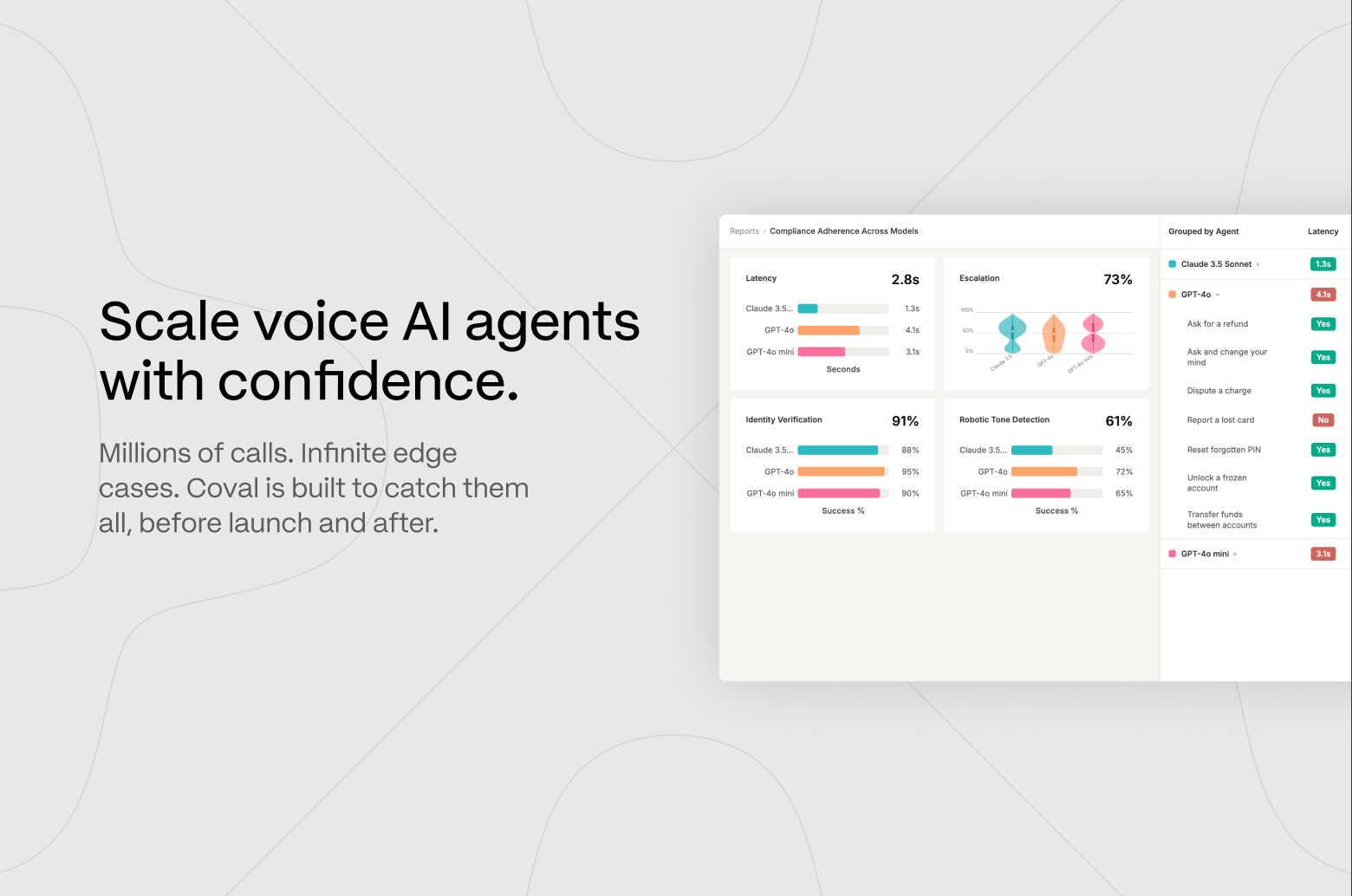
Coval is the deployment-readiness platform for voice AI agents. Simulate thousands of realistic conversations before launch, score every call in production, and sharpen your evaluations with human review — so you can ship voice (and chat) agents you trust.
Whether you're building a new agent, debugging a regression, or comparing vendors, Coval gives you a full-stack platform to simulate real conversations, track production quality, and scale with confidence.
**Built for:**
* **Developers & QA** — automate testing across thousands of scenarios with realistic voice inputs, IVRs, and edge cases.
* **Enterprise agent ops** — monitor multiple vendors, standardize metrics, and scale evaluation across use cases.
* **Teams shipping fast** — wire Coval into your CI/CD so you catch regressions before they reach production.
## The Continuous Quality Loop
Coval evaluates your agents at every stage of the lifecycle — from the first prompt to the millionth call.
Run thousands of realistic conversations — with background noise, accents,
and edge cases — before you launch.
Score every production call in real time and surface regressions before your
customers do.
Route failures to human reviewers whose feedback retrains the AI judge and
sharpens your metrics.
## Get started
New to Coval? Connect an agent and run your first simulation in minutes.
Point Coval at your voice or chat agent over any supported connection —
inbound, outbound, chat, or voice-to-voice.
Go from install to your first simulation in under 15 minutes with the Coval
CLI.
## Build with Coval
Integrate Coval wherever you work — call it directly, script it in CI, or hand it to your coding agent.
Manage runs, simulations, metrics, and monitoring programmatically with the
REST API.
Launch and manage evaluations from your terminal or CI pipeline with the
`coval` CLI.
Typed TypeScript and Python clients, generated from the public OpenAPI
specs.
Give Claude Code, Cursor, Windsurf, or Codex the skills to run evals for
you.
Native Coval tool access from any MCP client, like Claude Desktop and
Cursor.
End-to-end recipes that take real-world evaluation use cases from start to
finish.
## Keep in touch with us
Join the Coval community to ask questions, discuss best practices, and share tips.
## Why Coval?
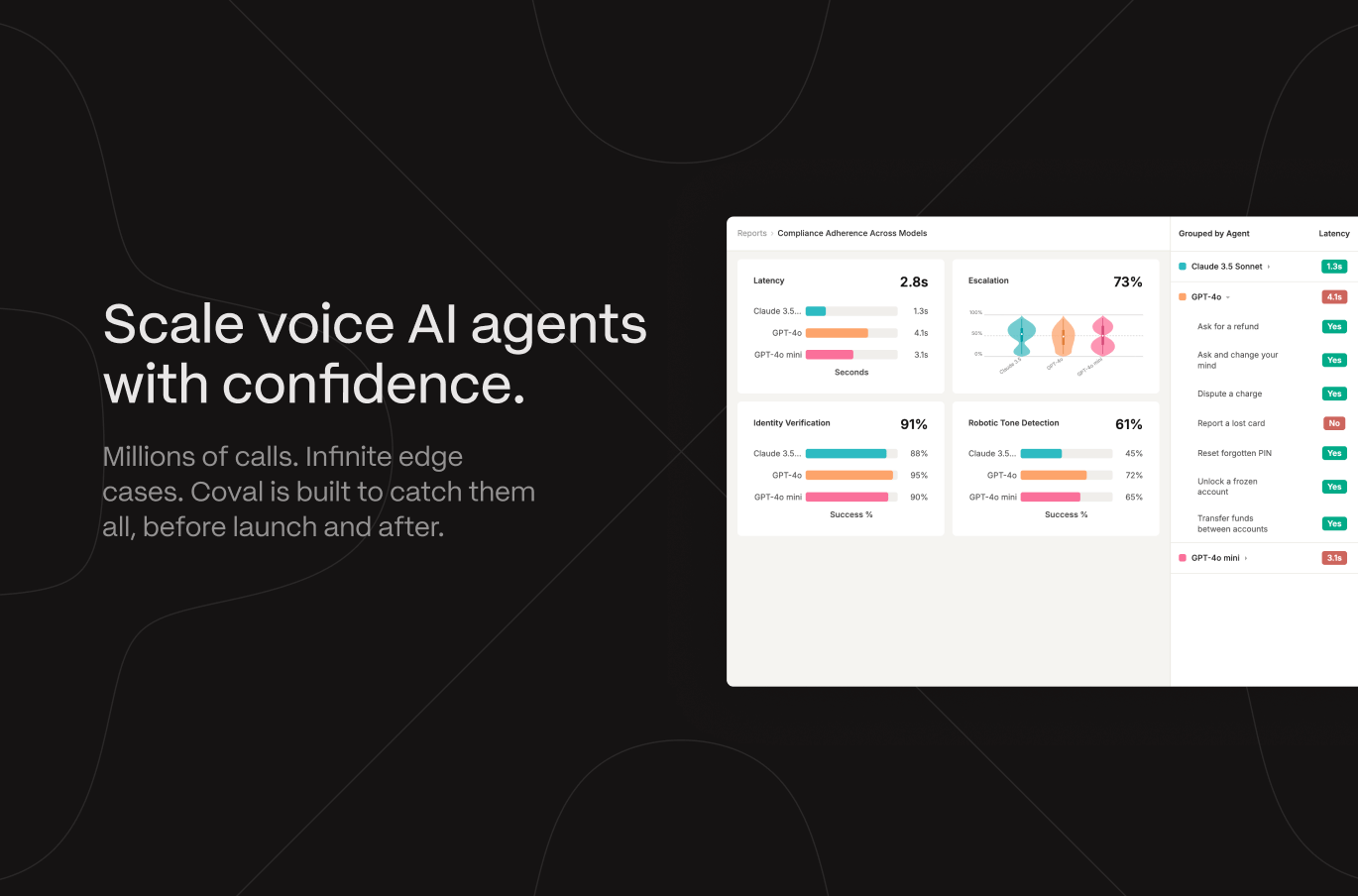
Coval is the deployment-readiness platform for voice AI agents. Simulate thousands of realistic conversations before launch, score every call in production, and sharpen your evaluations with human review — so you can ship voice (and chat) agents you trust.
Whether you're building a new agent, debugging a regression, or comparing vendors, Coval gives you a full-stack platform to simulate real conversations, track production quality, and scale with confidence.
**Built for:**
* **Developers & QA** — automate testing across thousands of scenarios with realistic voice inputs, IVRs, and edge cases.
* **Enterprise agent ops** — monitor multiple vendors, standardize metrics, and scale evaluation across use cases.
* **Teams shipping fast** — wire Coval into your CI/CD so you catch regressions before they reach production.
## The Continuous Quality Loop
Coval evaluates your agents at every stage of the lifecycle — from the first prompt to the millionth call.
Run thousands of realistic conversations — with background noise, accents,
and edge cases — before you launch.
Score every production call in real time and surface regressions before your
customers do.
Route failures to human reviewers whose feedback retrains the AI judge and
sharpens your metrics.
## Get started
New to Coval? Connect an agent and run your first simulation in minutes.
Point Coval at your voice or chat agent over any supported connection —
inbound, outbound, chat, or voice-to-voice.
Go from install to your first simulation in under 15 minutes with the Coval
CLI.
## Build with Coval
Integrate Coval wherever you work — call it directly, script it in CI, or hand it to your coding agent.
Manage runs, simulations, metrics, and monitoring programmatically with the
REST API.
Launch and manage evaluations from your terminal or CI pipeline with the
`coval` CLI.
Typed TypeScript and Python clients, generated from the public OpenAPI
specs.
Give Claude Code, Cursor, Windsurf, or Codex the skills to run evals for
you.
Native Coval tool access from any MCP client, like Claude Desktop and
Cursor.
End-to-end recipes that take real-world evaluation use cases from start to
finish.
## Keep in touch with us
Join the Coval community to ask questions, discuss best practices, and share tips.