Human review is supported for a subset of metric types. See the metric types reviewers can label.
Establishing a comparison sample
Open your project’s Insights and choose the date range, conversation source, and review scope. Record those settings and the number of comparable pairs so you can use the same sample after revising the metric. Check whether reviewers agree with each other before using their answers as the reference. Overlapping reviews in an Individual project can reveal ambiguous criteria or inconsistent labeling. Resolve those cases with the reviewers before changing the metric to match them. Also check the distribution of human answers. High agreement on a sample containing almost no failures does not show how well a metric detects failures. For binary metrics, read agreement alongside catch rate, class balance, and the constant-answer baseline. See Insights and Annotations for definitions and sample limits.Diagnosing a disagreement
Follow a linked disagreement into the Annotations table. Compare the human answer and note with the automated answer and explanation, then read or listen to the conversation. Decide which kind of correction the evidence supports:
Look for a pattern across several cases. For example, a resolution metric may accept an explanation of the cancellation policy as evidence that a cancellation was completed. If the intended criterion requires confirmation of cancellation, state that requirement explicitly in the metric.
Revising and testing the metric
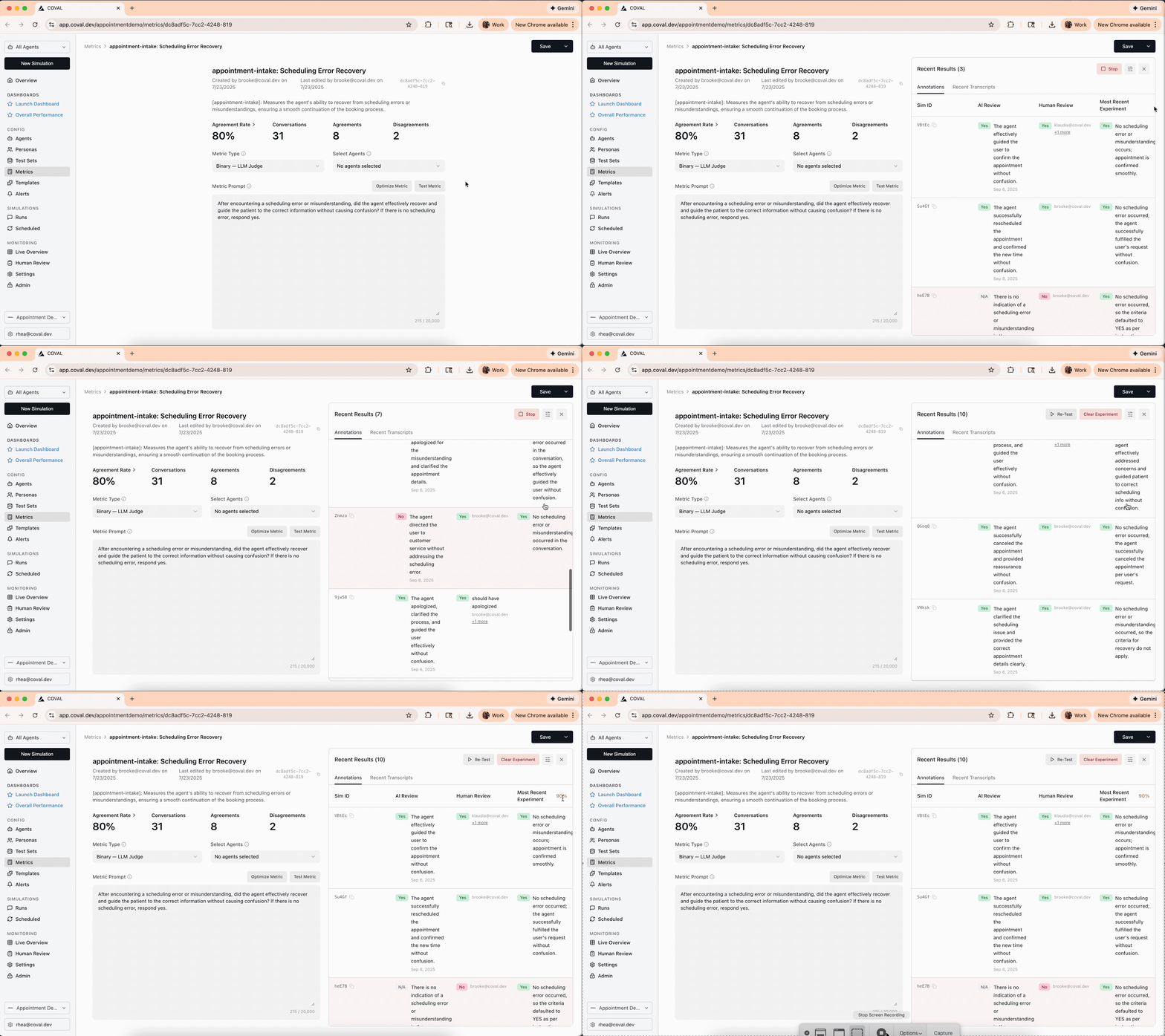
Make a focused change that addresses the pattern you found. Open the metric, edit its prompt or relevant configuration, and use Test Metric to inspect its behavior on example conversations. See Write judge prompts for guidance on defining criteria and exceptions. Check both kinds of cases: ones the metric previously got wrong and ones it previously got right. A revision that fixes missed failures may also introduce false alarms. Keep a record of the previous results or export the annotations before evaluating the changed metric.