

- Who they are — the personality, goals, speaking style, and behavior, set through the persona prompt and behavioral settings.
- How they sound — the voice, accent, and background noise you configure.
Creating a persona
- Open Personas in the sidebar.
- Click New Persona.
- Give the persona a Label (its display name) and, optionally, customize the Avatar — select hair, eye, and lip styles, or regenerate the seed for a new base face.
- Configure the settings below and save.
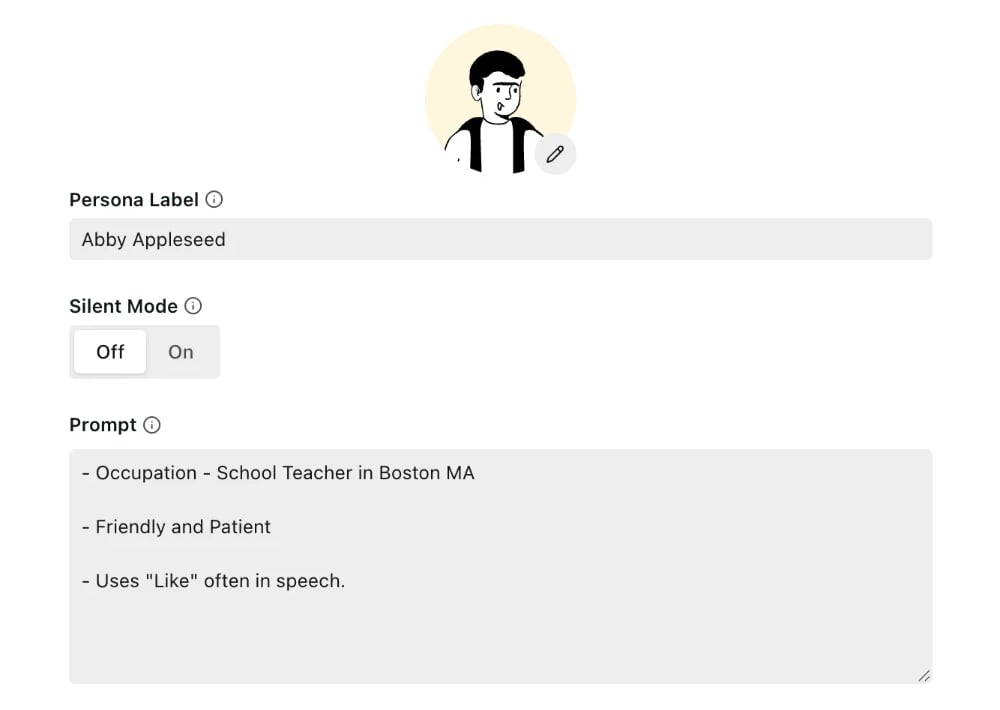
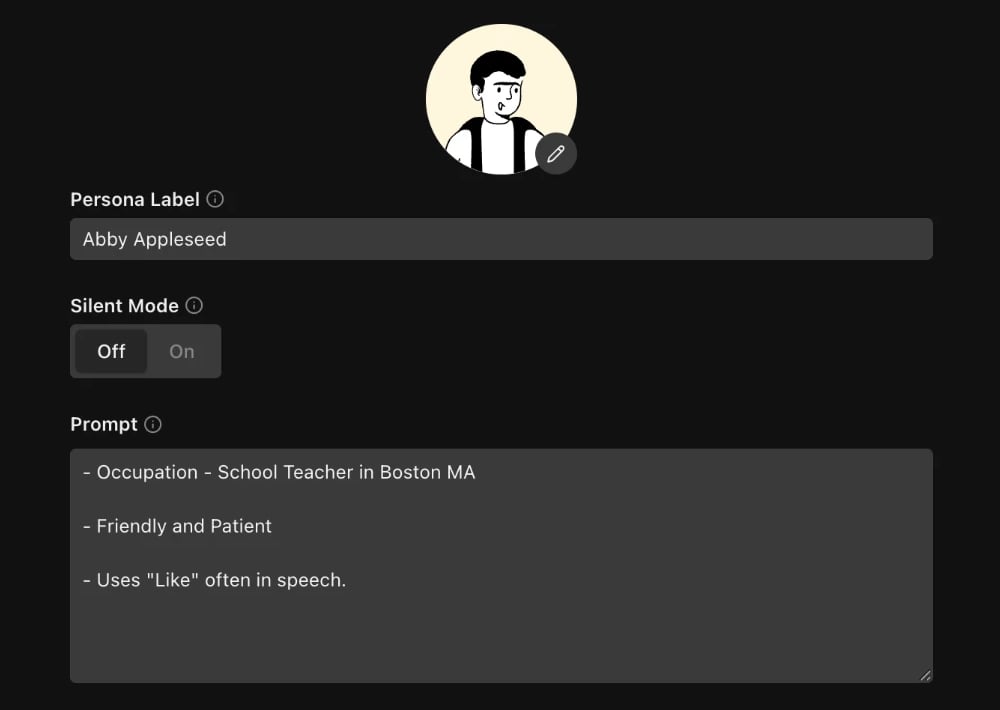
Who they are
A persona’s personality and behavior come from two places: the Persona Characteristics prompt and a few behavioral settings. The Persona Characteristics prompt (required) describes the persona’s demographics, personality, and communication style. The language model generates the persona’s dialogue from this prompt, and the text-to-speech engine speaks that text — so emotion, hesitation, and pacing all come from the words you tell the persona to use, not from vocal controls. Use the expand button (Shift+E) for a full-screen editor.Emotional tone
Describe emotional behavior in terms of word choice and conversational patterns, not generic labels:
Real callers escalate or de-escalate, so include emotional progression:
Example: Stressed Customer
Example: Stressed Customer
Example: Impatient Elderly Caller
Example: Impatient Elderly Caller
Example: Upset but Polite
Example: Upset but Polite
Filler words
TTS engines process text literally — unusual spellings or repeated letters can cause them to spell out letters or mispronounce sequences. Use standard spellings:
Include explicit TTS-friendly instructions in the prompt:
Conversation triggers
To make the persona stay silent until the agent says a specific phrase (e.g. waiting for a greeting):- Set the Conversation Initiator to “Persona waits to speak” so the agent always speaks first.
- Use strong, repeated language in the prompt:
- Keep the trigger phrase simple and distinctive — shorter, common phrases are easier to detect reliably.
- Include fallback behavior so the conversation doesn’t stall:
DTMF/IVR and call endings
In a voice persona prompt you can also specify navigation and call-control behavior — DTMF/IVR menu handling, speech style, when to provide or withhold information, and when to hang up.Voice persona example
Voice persona example
Chat persona example
Chat persona example
Behavioral settings
Alongside the prompt, a few structured settings shape how the persona paces and times its speech during voice simulations.Interruption and turn-taking
Voice simulations involve two distinct types of overlap:- Proactive interruptions — controlled by the Interruption Rate setting (None / Low / Medium / High). When set to None, the persona never deliberately talks over the agent.
- Natural turn-taking overlap — even at None, the persona may start speaking while the agent is still talking, because the speech-to-text engine interprets a brief pause as end-of-turn. This mirrors how real callers sometimes talk over agents.
How they sound
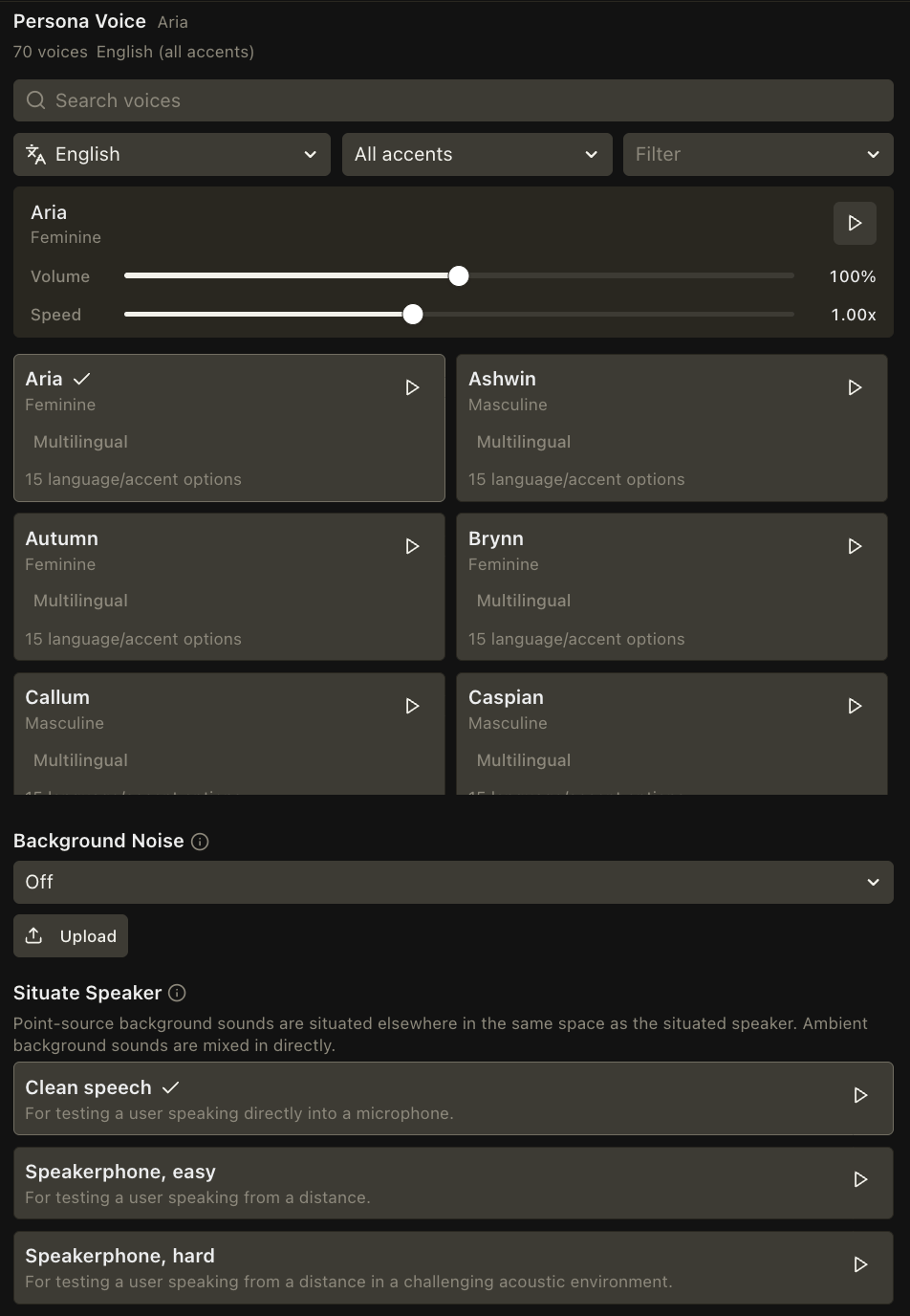
Configure the persona’s voice and audio environment.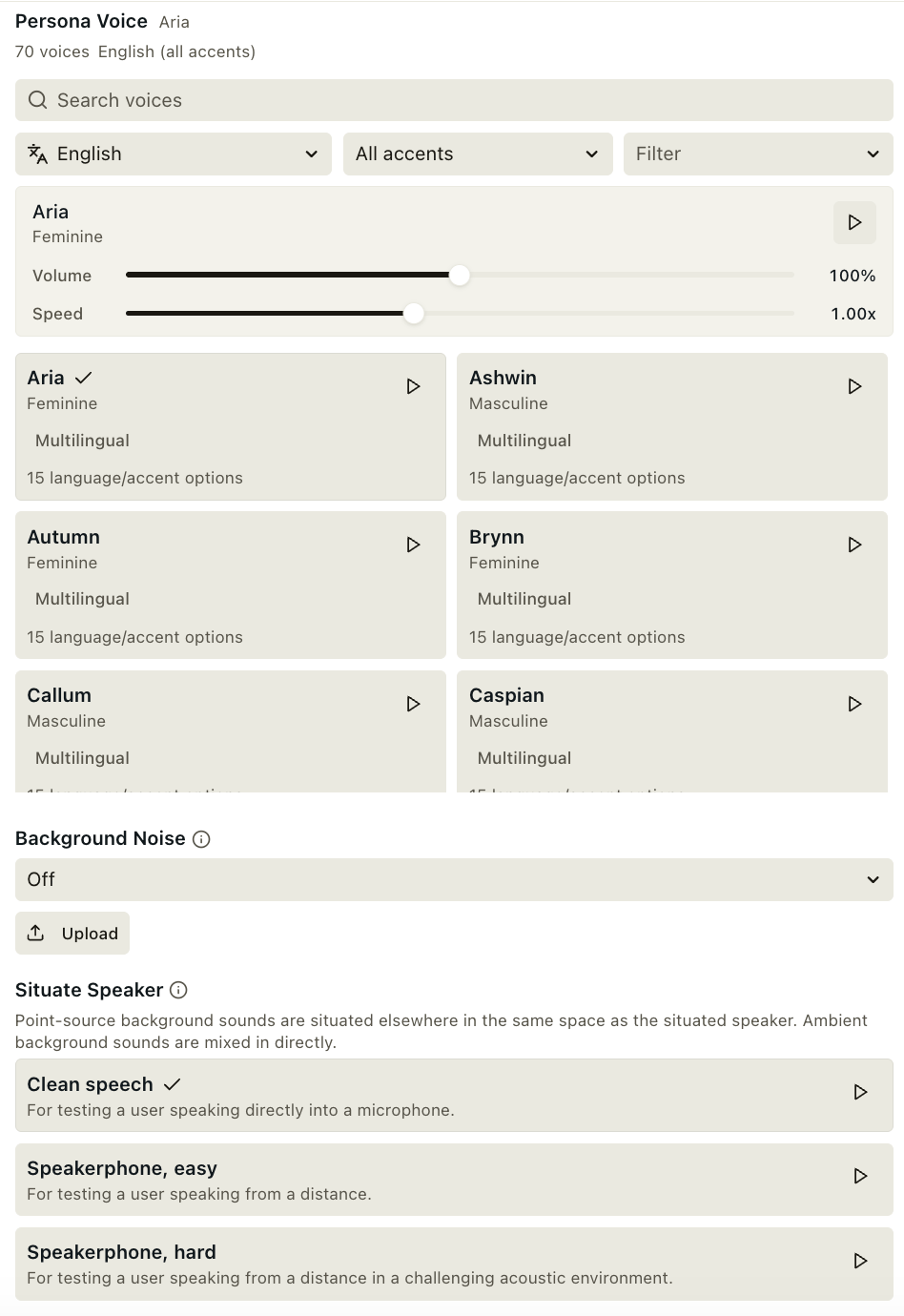
Available Voices
Available Voices
Voices fall into two categories based on realism and concurrency. Higher-realism voices sound more natural and expressive but support only ~12 simultaneous connections — for high-volume runs, use higher-concurrency voices to avoid bottlenecks.Higher Concurrency (34 voices)
Higher Realism (37 voices) — Limited Concurrency
Available Background Sounds
Available Background Sounds
Custom background sounds
Beyond the built-in library, you can upload your own background sound — for example, a recording of your own call center floor, your hold music, or a specific noise profile you want to test against. Uploaded sounds are private to your organization and appear in the same picker alongside the built-in options. Each uploaded sound has an acoustic source type:- Ambient (
ambient): mixed as diffuse background noise. For soundscapes like a cafe, park or rain. - Point source (
point_source): treated as a localized sound source. For individual sounds like another speaker, a doorbell or baby crying.
1
Upload a sound
In the persona’s background-sound picker, choose to upload a file. Give it a name, select a
.wav or .mp3 file, and choose an acoustic source type.2
Select it on the persona
Once the upload completes, the sound appears in the picker. Select it like any built-in sound and set the volume with the slider.
3
Run a simulation
During voice simulations, the sound is mixed into the persona’s side of the conversation and loops for the duration of the call.
Advanced
The persona configuration modal’s Advanced panel covers multilingual recognition, hold-music disconnects, the caller phone number, agent-voice routing, extra text configuration for chat agents, and initialization parameters.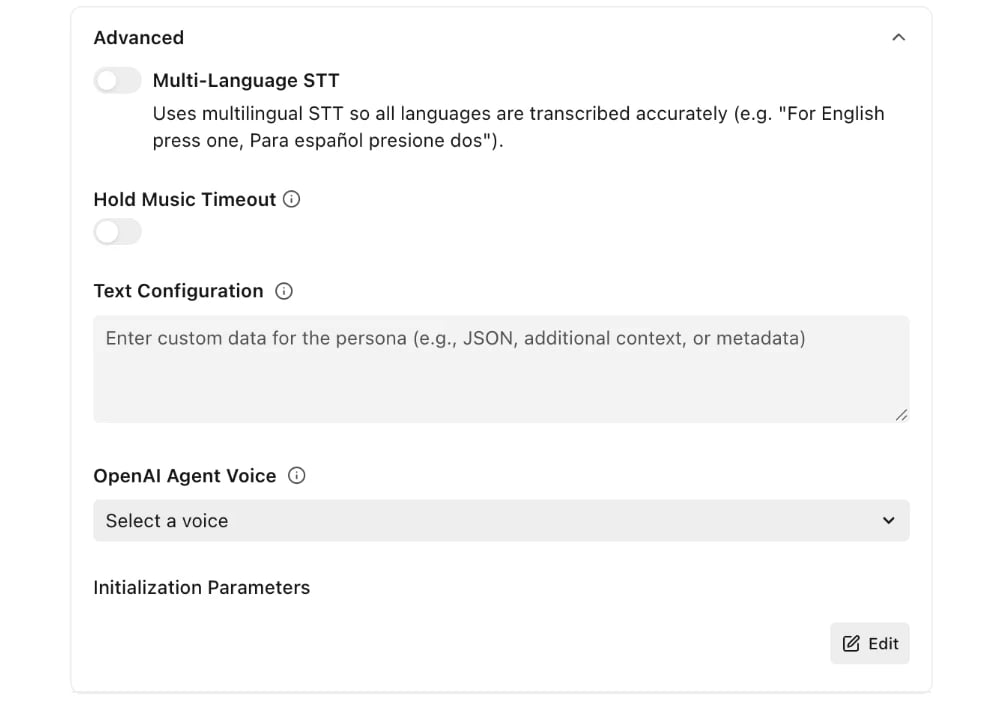
Multi-Language STT
Found under Advanced in the persona configuration modal. Enables multilingual speech recognition so the persona can accurately hear and respond to agents that speak multiple languages in the same conversation (e.g. “For English press one, Para español presione dos”).Hold Music Timeout
Found under Advanced in the persona configuration modal. Disconnects the persona after a period of silence or hold music, instead of waiting for the default timeout.
Useful for testing live-agent transfer flows — set it to 10–15 seconds to confirm the transfer happened without sitting through extended hold music.
Text Configuration
Found under Advanced in the persona configuration modal. Extra context for this persona that Coval sends to an HTTP chat agent as the request’scustomPersonaData field, overriding the agent-level Custom Data. Switch the field to JSON for syntax checking. The value must be a JSON object under 16 KiB.
It applies only to chat agents that don’t use an input template — an agent with an input template shapes its own request and does not receive it.
Initialization Parameters
Found under Advanced in the persona configuration modal. Key-value pairs passed to a chat agent when the conversation starts. Reference them in the agent’s initialization payload with{{persona.<key>}} — see Attributes. Quote string placeholders in the payload ("{{persona.tier}}"); other JSON values are inserted as their JSON encoding.
Configuring personas through the API
Everything in the persona modal is also available through the v1 Personas API (POST /v1/personas to create, PATCH /v1/personas/{persona_id} to update). name, voice_name, and language_code are required on create; everything else is optional.
On update, omitted fields stay untouched and an explicit
null removes a setting.
Caller phone number
Coval uses different phone numbers depending on the simulation type. Assign a specific phone number index to a persona if your workflow depends on phone-number routing — set it with the Phone Number setting under Advanced in the persona configuration modal, or withmulti_phone_config.phone_number_index through the API. Leave it unset to let each simulation pick a random available number.
Inbound mappings (Coval calls your agent) — up to 29 numbers
Inbound mappings (Coval calls your agent) — up to 29 numbers
Outbound mappings (your agent calls the simulated user) — 18 numbers
Outbound mappings (your agent calls the simulated user) — 18 numbers