

Beyond these text inputs, you can also attach an image (WebSocket voice agents only) or a pre-recorded audio file to a test case.
Scenario
Describe the task or situation the simulated user is pursuing. This is the goal, not a script — the simulated user generates its own wording to chase it, in the tone set by its persona. Use quotation marks to provide suggested specific phrases for the persona to say. Examples:- Simple task: “Call to get a refund”
- Complex scenario: “First, ask for PTO from the 21st to the 22nd of March. After receiving a confirmation, ask to change to the 20th to 22nd. During the verification, share your email address as ‘emily [at] gmail [dot] com’. Then, proceed to correct yourself with ‘oh no - it’s actually emily [dot] marc [at] gmail [dot] com’.”


Transcript
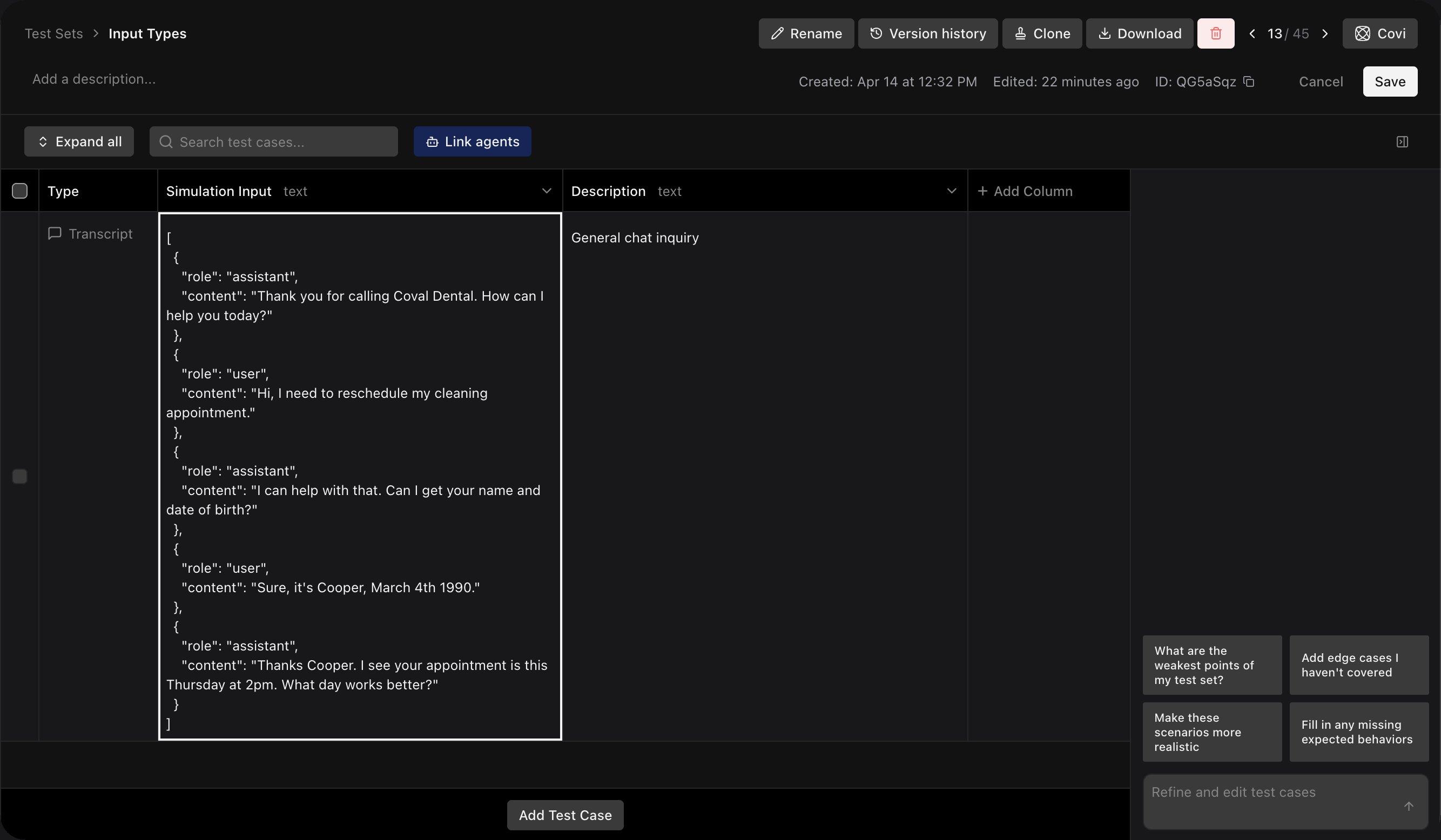
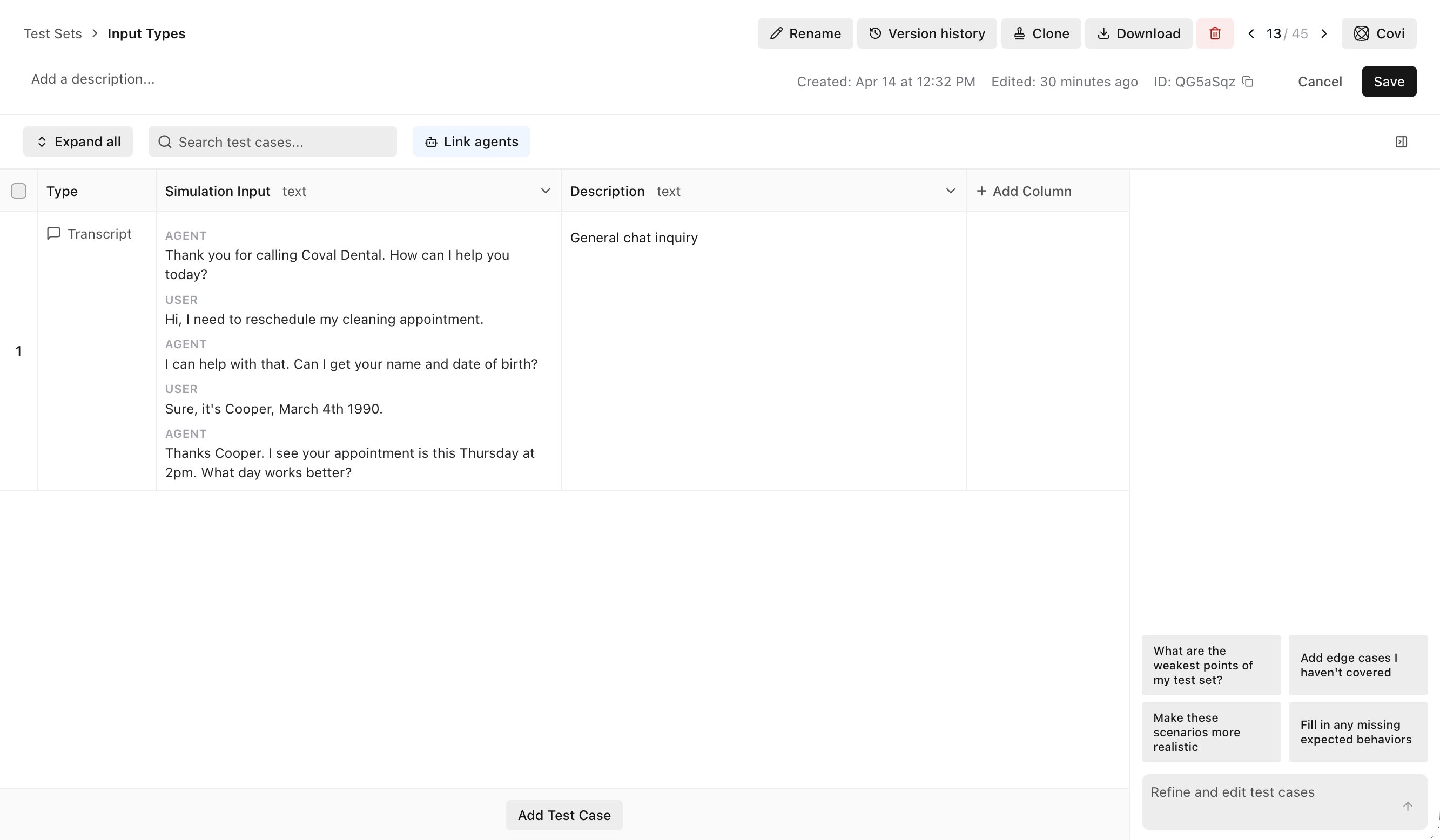
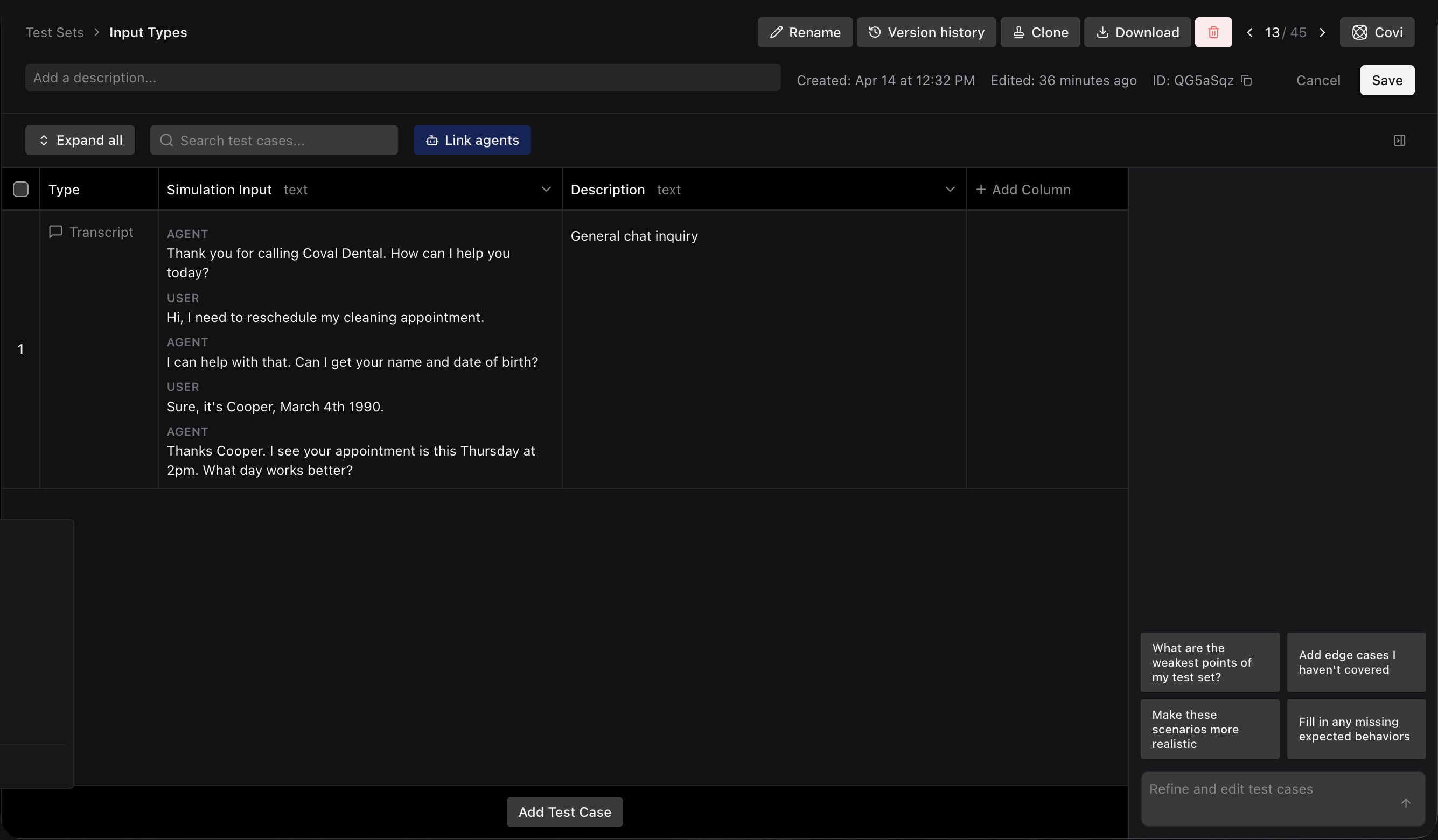
Recreate a specific conversation using OpenAI transcript format. The simulated user follows the user side of the transcript as closely as possible, adapting as needed to match the flow. Format example:- What you enter
- How it's saved
Paste the conversation as OpenAI-format JSON in the test case’s Simulation Input: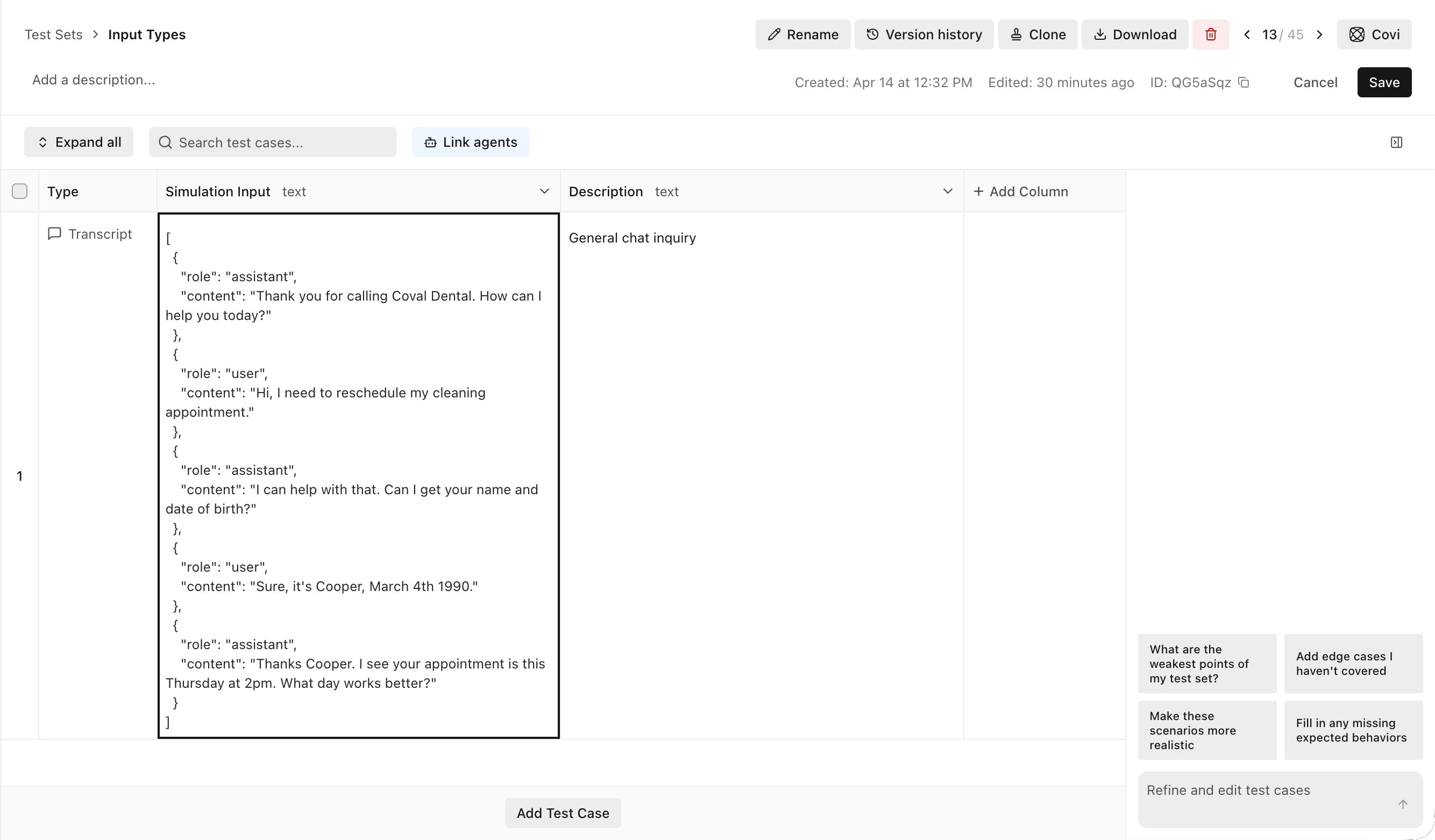
Script
Define an ordered list of exact turns for the simulated user to deliver, turn by turn. The persona follows the script exactly rather than generating responses with an LLM — while still using the configured persona voice and background sounds. Each turn is one of three types:- Text — the persona speaks the line verbatim.
- DTMF — the persona presses keypad digits (
0–9,*,#), for navigating IVR menus or entering numbers. Multi-digit values press each digit in sequence. - Skip — the persona stays silent for that turn, e.g. while an IVR plays a long announcement before a keypress is appropriate.
- “Hi, I’d like to check my account balance.” (text)
- Press
1(DTMF) - “Yes, my account number is 12345.” (text)
- “Thank you, goodbye.” (text)

 How it works:
- In the test set editor, select Script as the input type
- Add ordered turns in the script editor — speech, DTMF keypresses, or skips
- During simulation, the persona delivers each turn in order instead of generating LLM responses
- A divergence detector monitors agent responses — if the agent diverges significantly from the expected flow, the simulation can end early with a
SCRIPT_DIVERGEDreason - After the last scripted turn is delivered, the agent gets one final response before the simulation ends with a
SCRIPT_COMPLETEDreason
Image attachment
Image attachments work only with WebSocket voice agents. Other agent and simulator types ignore attached images.
.png, .jpg, .jpeg (max 2 MB, one image per test case).
How to attach an image:
- In the test set editor, open a test case and click Add Media.
- Upload a PNG or JPEG image and give it a short Name such as
receipt_photoorbroken_screen. - Optionally add a Description telling the persona when the image should be sent.
- Attach the test set to a WebSocket voice agent with a media send template configured.
- Launch the run using that attached WebSocket voice agent. During the conversation, Coval sends the image when the agent asks for relevant visual information.
- Use short, stable names like
receipt_photoordrivers_license_front. - Use the description to explain when to send the image, not just what it contains.
- Keep the image tightly scoped to the task so the agent receives only the evidence it needs.